
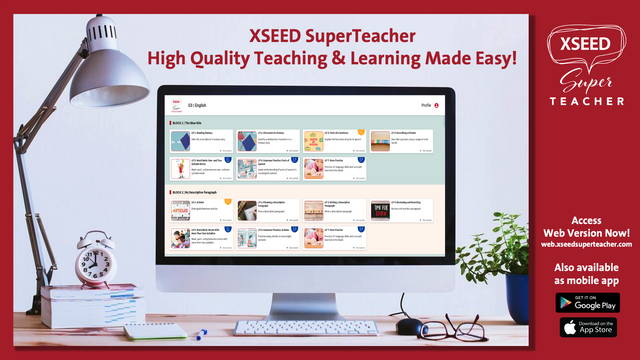
XSEED SuperTeacher – High Quality Teaching & Learning Made Easy!
Come experience for yourself how the XSEED SuperTeacher is the most intuitive and easy to use teaching and learning tool for the best classes online, in-classrooms and at home.
In this hands-on training session, we will also take you through the following:
A. Using our SuperTeacher knowledge base portal to get answers for everything from basic setup* to advanced features
B. Key preparation features in Teacher’s View
C. Using Student’s View mode to project to students while teaching
D. Different ways to share with students: Computer only, Mobile only, Mobile+Computer
*In case you haven’t downloaded the app or accessed the web version of XSEED SuperTeacher, simply choose a link below!
– Web access: [https://bit.ly/3i5Dsxm](https://bit.ly/3i5Dsxm)
– App from Google Store: [https://bit.ly/3fXZgs5](https://bit.ly/3fXZgs5)
– App from Apple Store: [https://apple.co/2RatgsC](https://apple.co/2RatgsC)
For XSEED SuperTeacher FAQs, video library, step-by-step guides and a direct line to XSEED Customer Care, the Knowledge Base Portal can be accessed at [https://help.xseedsuperteacher.com](https://help.xseedsuperteacher.com)
We look forward to seeing you at this Saturday’s Webinar!